Remove WebSearchSport

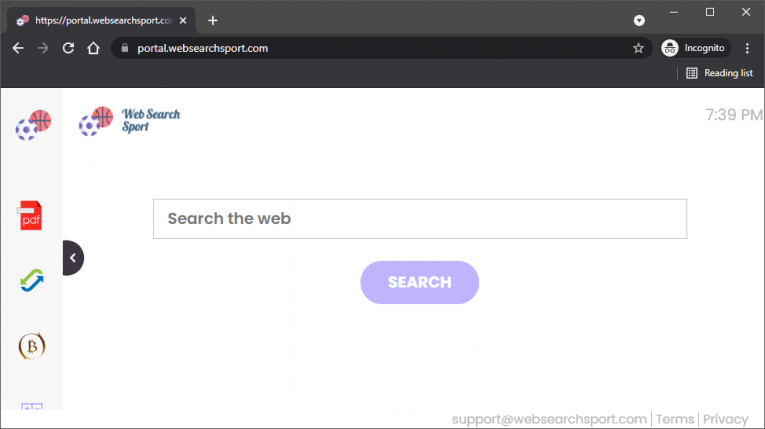
WebSearchSport is the name of a dubious browser add-on whose installation may happen without your approval. This software is a Potentially Unwanted Program (PUP) – it is detectable and removable by Windows security tools. Thankfully, this does not mean that it is dangerous. In fact, this add-0 is perfectly safe, but its presence on your device may lead to annoying issues. The majority of users who encounter WebSearchSport, or WebSearchSport Search, complain that their browser settings are different. For example, their homepage is Portal.websearchsport.com, while their search service is Feed.websearchsport.com.
Needless to say, having your searches go through WebSearchSport all the time is not a great experience. This page may promote advertisements, provide low-quality results, and may even expose you to suspicious links or files. It is never a good idea to rely on low-quality search engines like this one, instead of reputable options like Bing, Google, Yahoo, and others.
How to Avoid WebSearchSport?
This software is downloadable through its official site, but users are unlikely to find and download it on purpose. Intrusive ads and pop-ups may bring it to their attention. It may also arrive in software bundles or fake downloads and installers. To avoid interacting with PUPs like this one, you should avoid downloading software from non-trustworthy sources.
In addition to this, you should use antivirus tools at all times. These prevent not just malware, but also PUPs and hijackers like WebSearchSport from reaching your system. Low-quality software of this sort can come from anywhere, so make sure to have automatic protection in place.