What is Mimic Ransomware?
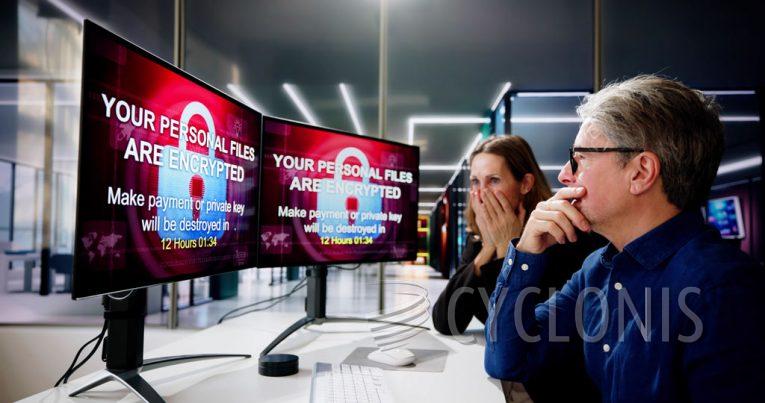
Mimic is a type of ransomware that encrypts data and demands ransoms for decryption. It is believed to be based on the leaked CONTI ransomware builder, and has been observed targeting English and Russian speaking users. After Mimic runs, it encrypts files and appends their filenames with a ".QUIETPLACE" extension. Additionally, it created ransom notes in both a screen displayed before the log-in screen, as well as a text file titled "Decrypt_me.txt".
Mimic is an advanced ransomware that has various features such as deleting Volume Shadow Copies, terminating multiple programs and services, preventing users from sleeping the device or shutting it down, and more. The ransom notes inform victims that their files have been encrypted and demand payment of a non-negotiable ransom in Bitcoin cryptocurrency for decryption. Victims are told to contact the hackers and send them a unique ID along with up to three encrypted files for a decryption test; however they may be able to recover data for 1$ per file.
In summary, Mimic is a sophisticated ransomware strain that encrypts victim data and demands ransom. It has various features such as deleting Volume Shadow Copies, terminating multiple programs and services, and preventing users from putting the device to sleep or shutting it down. It appends filenames with a ".QUIETPLACE" extension and creates ransom notes in both a screen displayed before the log-in screen, as well as a text file titled "Decrypt_me.txt". The ransom note demands payment of a non-negotiable ransom in Bitcoin cryptocurrency for decryption, but victims may be able to recover data for 1$ per file.
The complete Mimic note
The full text of the ransom note used by the Mimic ransomware reads as follows:
All your files have been encrypted with Our virus.
Your unique ID: -You can buy fully decryption of your files
But before you pay, you can make sure that we can really decrypt any of your files.
The encryption key and ID are unique to your computer, so you are guaranteed to be able to return your files.To do this:
1) Send your unique id - and max 3 files for test decryption
OUR CONTACTS
1.1)TOX messenger (fast and anonimous)
hxxps://tox.chat/download.html
Install qtox
press sing up
create your own name
Press plus
Put there my tox ID
95CC6600931403C55E64134375095128F18EDA09B4A74B9F1906C1A4124FE82E4428D42A6C65
And add me/write message
1.2)ICQ Messenger
ICQ live chat which works 24/7 - @mcdonaldsdebtzhlob
Install ICQ software on your PC here hxxps://icq.com/windows/ or on your smartphone search for "ICQ" in Appstore / Google market
Write to our ICQ @pedrolloanisimka hxxps://icq.im/mcdonaldsdebtzhlob
1.3)Skype
MCDONALDSDEBTZHLOB DECRYPTION
1.4)Mail (write only in critical situations bcs your email may not be delivered or get in spam)mcdonaldsdebtzhlob@onionmail.org
In subject line please write your decryption ID: -
2) After decryption, we will send you the decrypted files and a unique bitcoin wallet for payment.
3) After payment ransom for Bitcoin, we will send you a decryption program and instructions. If we can decrypt your files, we have no reason to deceive you after payment.FAQ:
Can I get a discount?
No. The ransom amount is calculated based on the number of encrypted office files and discounts are not provided. All such messages will be automatically ignored. If you really only want some of the files, zip them and upload them somewhere. We will decode them for the price of 1 file = 1$.
What is Bitcoin?
read bitcoin.org
Where to buy bitcoins?
hxxps://www.alfa.cash/buy-crypto-with-credit-card (fastest way)
buy.coingate.com
hxxps://bitcoin.org/en/buy
hxxps://buy.moonpay.io
binance.com
or use google.com to find information where to buy it
Where is the guarantee that I will receive my files back?
The very fact that we can decrypt your random files is a guarantee. It makes no sense for us to deceive you.
How quickly will I receive the key and decryption program after payment?
As a rule, during 15 min
How does the decryption program work?
It's simple. You need to run our software. The program will automatically decrypt all encrypted files on your HDD.
How can you protect your system from ransomware like Mimic?
To protect your system from ransomware like Mimic, you should take the following steps:
- Regularly back up your data to an external device or cloud storage.
- Keep your operating system and software up to date with the latest security patches.
- Use a reputable antivirus program and keep it updated with the latest virus definitions.
- Be cautious when opening emails and attachments from unknown sources, as they may contain malicious links or files.
- Avoid clicking on suspicious links or pop-ups that appear while browsing the web.
- Disable macros in Microsoft Office programs, as they can be used to execute malicious code.
- Implement strong passwords for all of your accounts and change them regularly.