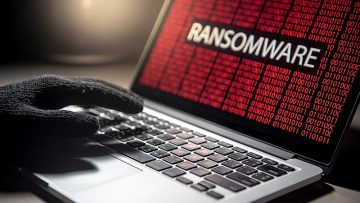
Computer Users Beware! There's No Good Intelligence in CIA Ransomware
CIA ransomware is a type of malicious software that has been used to target victims and demand a ransom payment in exchange for their data. Once this malware infiltrates a system, it encrypts the user's files and changes the desktop wallpaper with a ransom note instructing the victim to pay a ransom of 100 USD in various cryptocurrencies such as Bitcoin, Ethereum, Litecoin, and Monero. The ransom must be paid within 24 hours or else the perpetrators threaten to delete the data permanently.
How Does CIA Ransomware Spread and How To Protect Your Computer?
This type of ransomware is typically spread through phishing emails, malicious attachments/links, drive-by downloads, online scams, and fake updates. In order to protect yourself from this type of attack, it’s important to avoid downloading software from untrustworthy sources, be careful with clicking on suspicious links or emails, keep your security software up-to-date and make sure you have an updated backup of all your data stored in a secure location.
Remediation for CIA Ransomware is Possible
If your system has been infected with CIA ransomware, it is possible that the encrypted files can be recovered. However, it is not recommended to pay the ransom as there are no guarantees that you will get your files back or that new infections won’t occur. The best way to protect yourself from CIA ransomware is to remove it from your system and restore your data from a backup. If you don’t have a backup, you may be able to use some file recovery software to recover your data.