Remove Root Ransomware
File-encryption Trojans are one of the most dangerous pieces of malware you can come across. They do not try to steal your passwords, break or your computer, or spy on you – instead, their sole goal is to lock you out of your files. To do this, they encrypt the contents of images, documents, media, archives, databases, and many other files. When it locks a file, it adds the extension '.id-<VICTIM ID>.[getdecrypt@disroot.org].root' to its original name. To recover these files, victims would need to run a compatible decryptor paired with the unique key that the Root Ransomware generated for their computer. Unfortunately, the criminals do not provide this piece of information freely – they want to be paid for it.
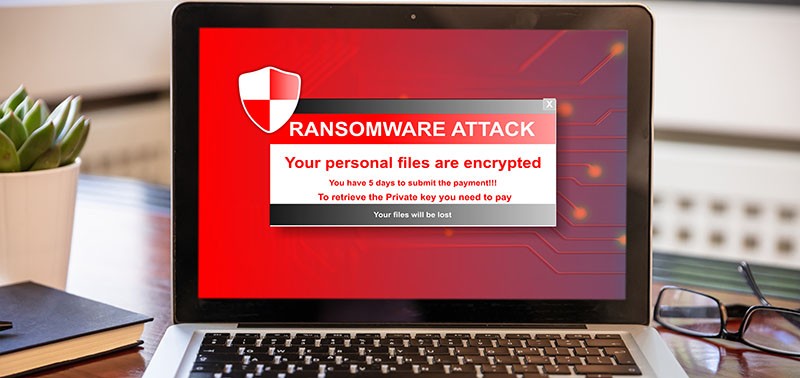
Just like other ransomware operators, these ones also want to exchange it for Bitcoin. Their ransom note provides payment details, as well as contact information – the emails getdecrypt@disroot.org and baron38@webmeetme.com. The full instructions are found in the files 'FILES ENCRYPTED.txt' and 'info.hta' that the Root Ransomware drops after completing its attack.
The criminals give you no reasons to trust them. Even if you agree to pay, there is a very slim chance that they will end up helping you out – you might end up being scammed out of your money. In case of a ransomware attack, you should always look for a solution that does not involve sending money to cybercriminals. In the case of the Root Ransomware, we advise users to run an anti-malware tool to ensure the threat's removal. After this, they can explore alternative file restoration tools and methods.
How To Detect & Remove Root Ransomware To Prevent/Stop File Encryption