Building an Energy-Efficient PC
For a lot of people energy efficiency is a very big deal. Whether you are driven by the desire to minimize your personal carbon footprint or you want to lower your electricity bills, making an effort to have an energy-efficient home and lifestyle is never a bad idea.
When it comes to your PC, energy efficiency is a very difficult subject. By design, more powerful hardware will always require more energy and have higher TDP or thermal design power specifications. At the end of the day, you will need to walk a very fine line between the performance level you are aiming for and the final power draw of your finished setup.
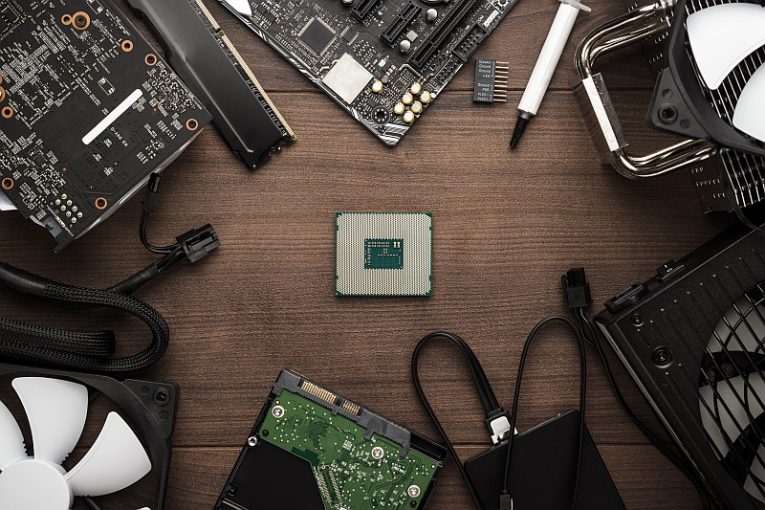
The current range of hardware offered includes a huge variety of components and it may be difficult for less tech-savvy users to pick and match parts. It is always a good idea to have a concept of your finished PC build and what the main purpose of the system is going to be.
First of all, if you are not going to be using that computer to play games, you should definitely skip the dedicated, discrete GPU. Current generation Intel processors with integrated graphics chips and AMD APU or accelerated processing units are more than enough to handle regular home and office use, including playing HD media, without the need of a separate slotted GPU.
This alone will decrease the power consumption of your final build by a significant amount, as high-end gaming GPUs are commonly the component with the highest power draw in your entire case.
You don't need to fret about the power supply unit you choose too much. Again, if this is not a gaming PC, every baseline PSU will do the job. Even if you get a 500-Watt PSU, your system will only draw as much power as it needs from it, so just because the power supply is rated at a maximum of 500 Watts, that doesn't mean running the PC will always use 500 Watts of power.
Another thing you can consider when trying to lower the energy consumption of your build is getting an SSD drive. Solid state disks will always consume less power than a regular hard disk drive, simply because of the lack of any real moving mechanical parts and their more modern design.
In a lot of cases, an SSD will use roughly half the power a conventional HDD uses, so getting an SSD for your system is a no-brainer, especially given the bonus performance and speed boost you will be getting as well.
Finally, consider tweaking your new PC's energy settings. On a Windows 10 PC, open the start menu and type in "energy". This will bring up and focus the "Power & Sleep Settings" app in the menu. Click it and then set your screen's turn-off timer and the global PC sleep timer to reasonably low values that will allow you to save energy.
The combination of all those factors will allow you to have a home computer than is as green as possible and that consumes little energy, while still being able to do everything you need it to.